Disclosure: this guide may contain affiliate links. If you buy through one, we may earn a small commission at no extra cost to you.
Introduction: Why Smart Voice Assistants Seniors Need Modern Tech for Daily Care
Most families spot it in small ways first. The same question asked twice in an hour. A weekly pill box that’s still full on Thursday. A missed appointment that was never missed before.
That’s where smart voice assistants seniors can use at home start to earn their place. You don’t need to learn a menu or tap a screen. You just talk. This guide compares Alexa and Google for voice assistants for elderly memory loss, covers three devices worth considering, and walks through setting up reminders.
A caveat before we start: these gadgets help, but they don’t care for anyone. They can’t judge whether a pill was swallowed or whether someone is confused. The Alzheimer’s Society points out that people who start using technology early tend to keep using it longer, and that choices about it should be made with the person, not for them. So bring your loved one into the decision from the beginning.
Alexa vs Google Home for Seniors: Key Differences in Dementia Care
For everyday jobs, the two are close. Both set timers, repeat reminders, make calls, play music, and switch smart plugs on and off. When families compare alexa vs google home for seniors, the real differences come down to caregiver tools, emergency options, and how settled each platform is right now.
Alexa has the more developed caregiver side. Amazon closed its Alexa Together service in May 2025 and replaced it with Alexa Emergency Assist, a US-only subscription. With it, up to 25 contacts can drop in on the device, get alerts, and add reminders.
Google is mid-transition. The company says Gemini for Home is replacing Google Assistant across the speakers and displays it has sold over the past decade, and once a home switches, there’s no going back. Early reports describe a bumpy start, with features that worked before behaving differently. For someone who relies on routine, that unpredictability matters.
One more caution. A UK think tank, Doteveryone, has reported that some people with dementia find automated medication reminders distressing. Try any setup in the daytime with your loved one before you lean on it.
Feature Comparison Table
| Feature | Amazon Alexa (Echo) | Google (Nest / Gemini for Home) |
|---|---|---|
| Voice reminders | Yes, recurring, by voice or app | Yes, by voice and Home app |
| Platform status, 2026 | Established; Alexa+ rolling out | Assistant being replaced by Gemini for Home |
| Remote caregiver check-in | Drop-in calls (Emergency Assist circle, US) | Check current Home app options |
| Emergency help | Emergency Assist, US only, paid | Home Premium emergency calling, US only, paid |
| Screens | Echo Show range | Nest Hub Max (older hardware) |
| Bedside clock | Echo Dot with Clock | Check current Google models |
| Best fit | Simple routines, family drop-ins | Homes already on Google |
Features and prices change often. Confirm details on the maker’s site before you buy.
Top Recommended Smart Speakers & Displays for Elderly Care
Choosing the best smart speakers for elderly relatives is mostly about the room. A screen suits the kitchen or lounge. A small speaker with a clock suits the bedside.
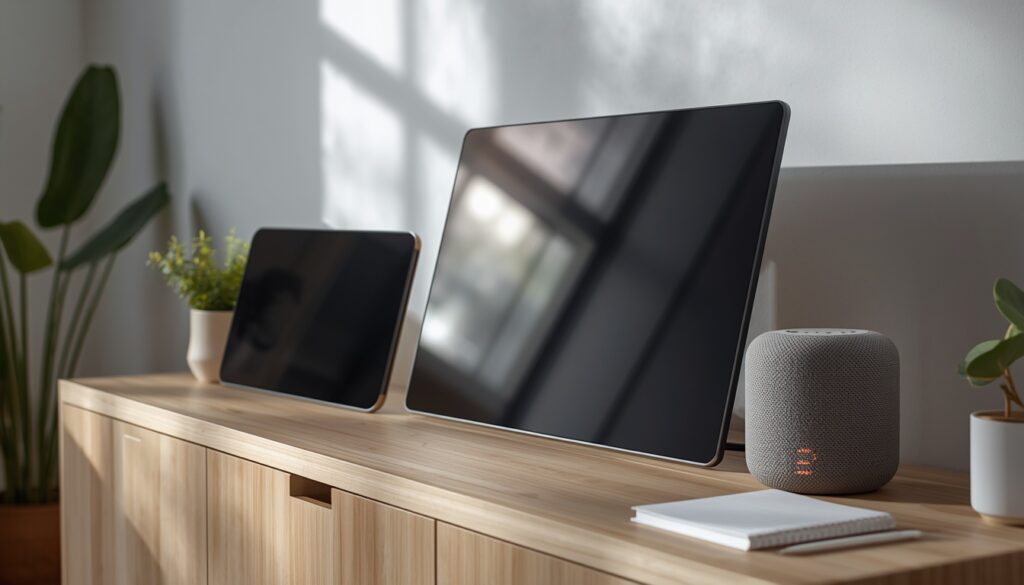
Amazon Echo Show 8 (3rd Gen) – Best Overall for Visual Reminders & Caregiver Check-Ins
A spoken reminder can be missed or misheard. A written one stays on the screen until it’s dealt with. The Echo Show 8 shows reminders, handles video calls, and lets family drop in for a quick hello.
Amazon has since launched a 4th generation. It lists at $179.99 with a larger display and faster internals, against $149.99 for the 3rd Gen, which is often discounted. For most homes the older model is plenty.
[Check Current Price on Amazon: affiliate link]
Google Nest Hub Max – Best for Google-Home Households
We changed this heading. Product listings promise “AI voice recognition” and “automated memory prompts”, but we couldn’t back those claims up. What we can say is that the Nest Hub Max has a 10-inch display and a wide-angle camera, and it suits people already living in Google Home.
It does come with a warning. It dates from 2019, availability varies by store and country, and Google is moving its speakers and displays to Gemini for Home, so what it does may change after you buy. If it’s out of stock, look at Google’s current displays instead. Smart home tech for dementia care works best when it stays familiar, so avoid gear that may change mid-use.
[Check Availability: affiliate link]
Amazon Echo Dot with Clock – Best Compact & Budget Option for Bedside Safety
Waking at 3 a.m. and not knowing the time is unsettling for anyone, and worse with memory loss. The Dot’s LED display shows the time, alarms, and weather, and it answers voice commands too. It lists at around $59 in the US and often drops to about $34 in sales. UK and Canadian prices differ, so check local listings.
[Check Current Price on Amazon: affiliate link]
Setting Up Medication Reminders for Seniors: A Step-by-Step Caregiver Guide
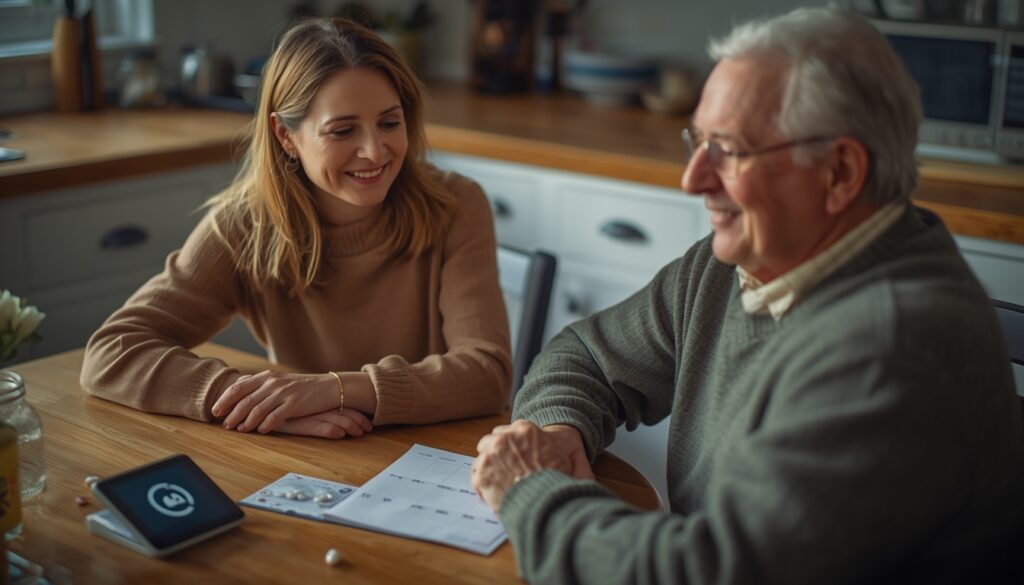
Good medication reminders for seniors are specific, calm, and consistent. This is the order that tends to work:
- Talk first. Explain the plan and ask how they’d like to be spoken to.
- Set up together. Put the device where they spend most of their day and connect it to Wi-Fi.
- Make the reminders recurring. Keep the wording plain, like “Time for your morning tablets with breakfast.” One person told the Alzheimer’s Society her Alexa keeps nagging until she tells it to stop, which she finds oddly useful.
- Add family access. In the US, Alexa’s Emergency Assist lets circle members add reminders. Otherwise, set them yourself in the app.
- Keep the pill organizer. A reminder is only a nudge. It can’t tell you whether the dose was taken.
- Check with a pharmacist or doctor. Confirm the schedule, and revisit it whenever medication changes.
- Watch how it lands. If the voice causes confusion or upset, change the wording or the approach.
Emergency Assistance & Safety Features (Alexa Emergency Assist vs Google Safety)
Neither speaker detects falls. Neither replaces a wearable alert device.
Alexa can’t call 911 directly. Emergency Assist costs $5.99 a month or $59 a year, responds to “Alexa, call for help,” and is available only in the US. Without it, you can set an emergency contact that Alexa will try to ring.
Google’s emergency calling comes through Google Home Premium, which is also US-only and must be set up in the Home app. Premium plans run roughly $10 to $20 a month.
In the UK and Canada, we found no equivalent monitored service from either company. Pair a speaker with a proper personal alarm that offers fall detection and 24/7 monitoring. Smart home tech for dementia care should add layers of safety, not swap one for another.
On privacy, show your loved one the mute button and explain what the device records. And be ready to stop. The Alzheimer’s Society notes that not everyone finds smart speakers helpful.
Frequently Asked Questions (FAQ)
Can smart voice assistants help someone with memory loss?
For simple jobs like reminders, timers, and calls, yes, especially early on. Smart voice assistants seniors use work best alongside human support, and what helps today may not suit them as memory loss progresses.
Can Alexa or Google call 911 for me?
Not by default. Alexa can’t connect directly to 911, though a paid US service offers emergency help. Google’s US emergency calling needs a Home Premium subscription.
Is Alexa or Google easier for someone with dementia?
Neither wins outright. Alexa’s caregiver tools are more established, while Google is still switching to Gemini. Go with what the family already uses, and test it with your loved one.
Are voice assistants safe for seniors from a privacy standpoint?
They listen for a wake word and send requests to the cloud. Echo devices have a microphone-off button. Go through the privacy settings together.
Final Verdict: Which Voice Assistant Is Right for Your Loved One?
If we had to pick one, we’d start with Alexa. The Echo Show 8 offers visual reminders and easy family drop-ins, and the Echo Dot with Clock is a cheap, sensible bedside add. Google makes sense if the house already runs on it, but check how the Gemini switch affects the exact device you’re buying.
Whichever you choose, smart voice assistants seniors rely on do their best work with people behind them. Add a pill organizer, a wearable alert device, and regular check-ins. Raise any memory concerns with a doctor, and make the choices together with your loved one.